
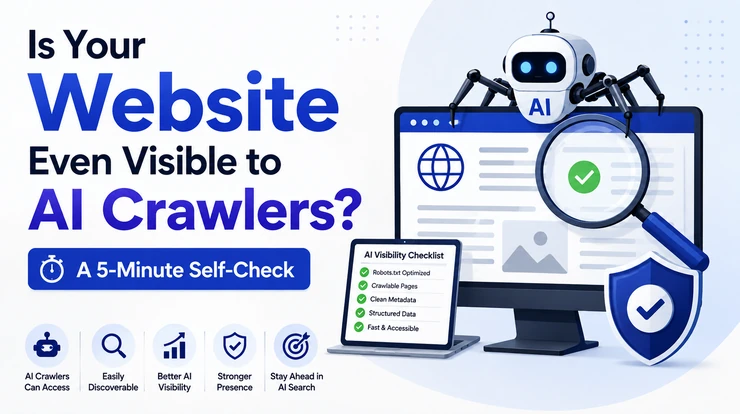
Millions of Americans no longer start their search on Google. They open ChatGPT, Perplexity, or Gemini and ask a question directly. If your website is not visible to the AI crawlers powering those tools, you don’t rank lower – you simply don’t exist in the answer at all.
This is the uncomfortable truth most businesses haven’t caught up to yet. You can have a beautifully designed site, solid traditional SEO, and years of content – and still be completely invisible to AI search engines, because AI crawlers don’t always see websites the same way Google does.
The good news: checking your AI crawler visibility takes about five minutes. Below is the exact self-check we run for clients before recommending any fix.
Why AI Crawler Visibility Matters More Than Ever in 2026
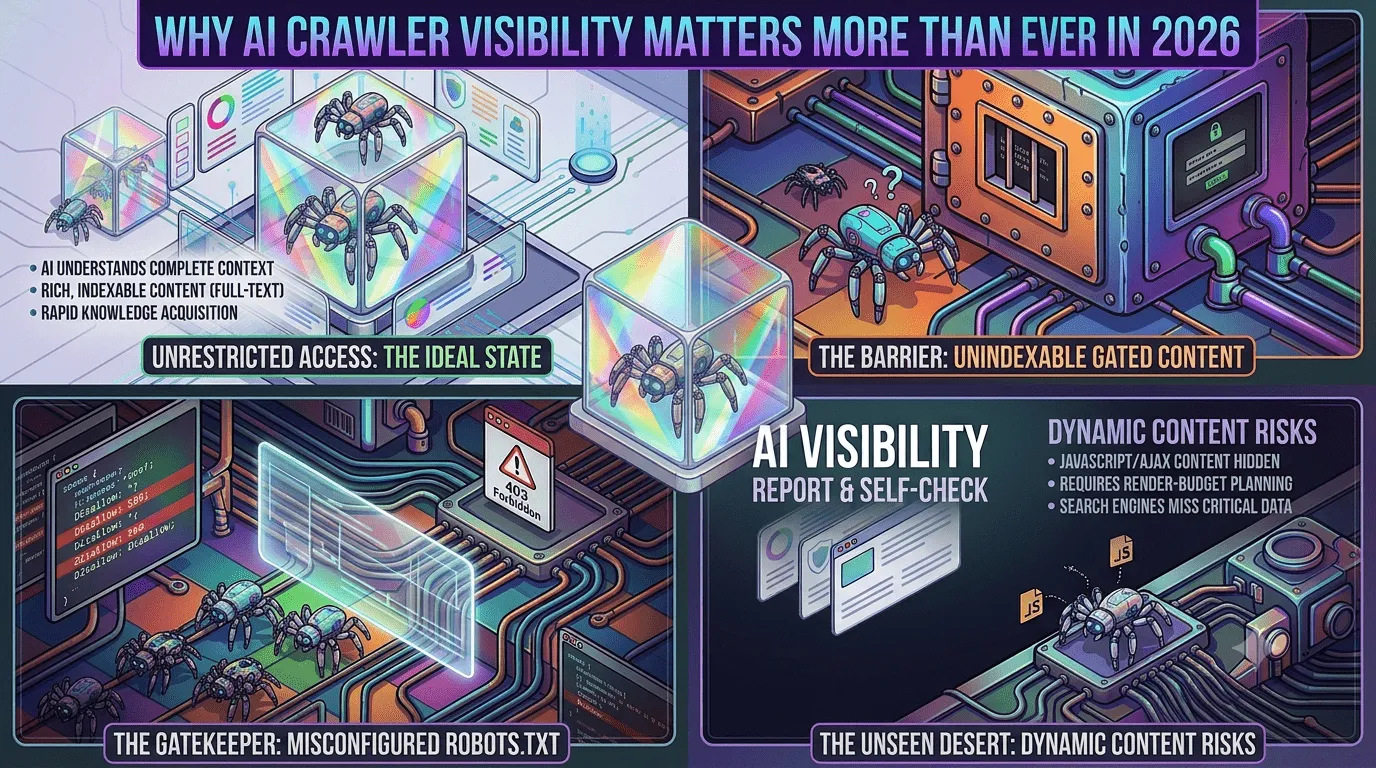
Search behavior has fundamentally shifted. Instead of scanning ten blue links, users now get a single synthesized answer – and that answer names specific brands, products, and services by name. If an AI engine can’t crawl and understand your site, it can’t recommend you, no matter how good your business actually is.
This shift has a name: Generative Engine Optimization (GEO), sometimes also called Answer Engine Optimization (AEO). But before any GEO strategy can work, there’s a more basic question to answer first – can AI crawlers even reach your website in the first place? That’s what this self-check solves.
The 5-Minute AI Crawler Visibility Self-Check
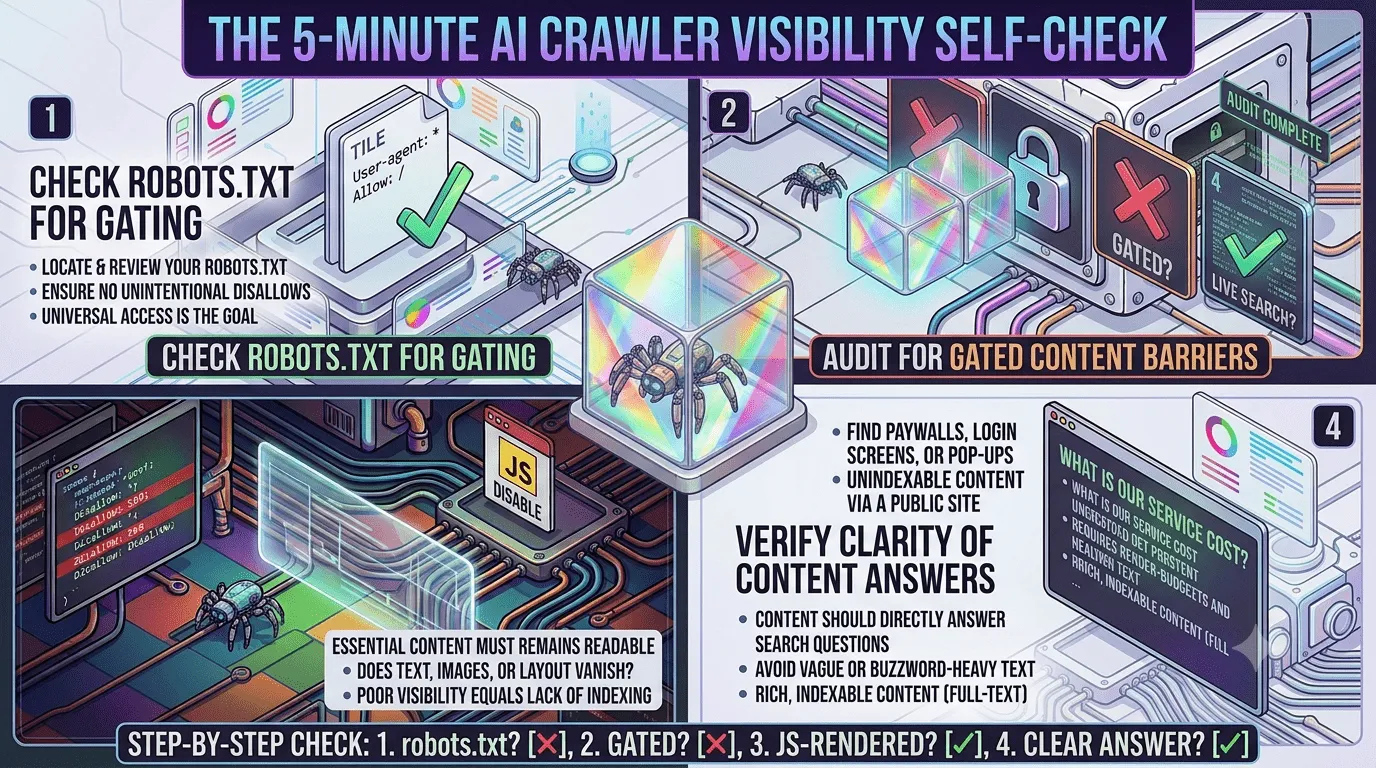
Step 1: Check Your robots.txt File for AI Crawler Access
Every website has a robots.txt file that tells bots what they’re allowed to access. Many sites unknowingly block AI crawlers by default, especially if they were set up with older, restrictive security rules.
To check yours, type your domain followed by /robots.txt into your browser (for example, yoursite.com/robots.txt). Look for any of these bot names:
- GPTBot (OpenAI/ChatGPT)
- ClaudeBot (Anthropic/Claude)
- PerplexityBot (Perplexity)
- Google-Extended (Gemini/Google AI features)
If you see a “Disallow: /” line next to any of these, that crawler cannot read your site at all. If these bots aren’t mentioned anywhere, that’s usually fine – but it’s worth explicitly allowing them so there’s no ambiguity as crawler rules evolve.
Step 2: Look for AI Crawler Activity in Your Server Logs
Knowing a bot is allowed isn’t the same as knowing it’s actually visiting. If you have access to your hosting dashboard or server logs, search for these crawler signatures:
- Mozilla/5.0 (compatible; GPTBot/1.0)
- Mozilla/5.0 (compatible; ClaudeBot/1.0)
- Mozilla/5.0 (compatible; PerplexityBot/1.0)
No matches at all usually points to one of two problems: your robots.txt is quietly blocking them, or a firewall/security plugin (like Cloudflare bot protection or an aggressive WAF) is filtering them out before they ever reach your pages.
Step 3: Test How Your Content Renders Without JavaScript
Many AI crawlers process pages more like simplified text readers than full browsers. If your homepage or key service pages rely heavily on JavaScript to load content, an AI crawler may see a blank or nearly empty page – even if your site looks perfect to a human visitor.
A quick way to check: disable JavaScript in your browser (in Chrome, this is under Settings > Privacy and Security > Site Settings) and reload your key pages. If your main content, headings, and service descriptions disappear, that’s a real problem for AI visibility – and often for traditional SEO too.
Step 4: Check Whether Your Content Actually Answers a Question
AI engines aren’t just crawling pages – they’re evaluating whether a page directly and clearly answers a real question. Vague marketing language like “industry-leading solutions” or “transformative results” gives an AI model nothing concrete to cite.
Open one of your key pages and ask honestly: does this page answer a specific question a real customer would type into ChatGPT? If your web development page doesn’t clearly explain what you build, for whom, and roughly what it costs, an AI engine has little reason to recommend you over a competitor who does spell that out.
If you’re not sure which questions and terms your audience is actually searching for, start with our guide to the best free SEO keyword research tools – it’s the fastest way to find the exact phrases to build your content around.
Step 5: See If You Already Show Up in AI Answers
The final test is the simplest. Open ChatGPT, Perplexity, and Gemini and ask the exact questions your customers would ask – “best web development company for small business USA” or “affordable SEO agency for startups.” See who gets mentioned. If it’s never your business, steps 1 through 4 are almost always where the disconnect starts.
Common Mistakes That Quietly Block AI Crawlers
A few issues show up again and again during these checks:
- Security plugins or firewalls that block unfamiliar bots by default, catching AI crawlers along with actual threats
- Content locked behind heavy JavaScript frameworks with no server-side rendering
- Thin or generic page content that gives AI models nothing specific to cite
- Missing or outdated robots.txt files left over from an old site migration
- No structured data (schema markup) to help AI systems understand what a page is actually about
Any one of these can be enough to keep an otherwise solid website invisible to the fastest-growing source of search traffic in the country.
Backlinks still play a role here too – AI systems weigh authority signals much like Google does. If your site is light on quality backlinks, our list of free guest posting sites and article submission sites is a good place to start building that authority up.
What This Means for US Businesses Right Now
Being cited in an AI answer is quickly becoming as valuable as ranking on page one of Google – in some cases more valuable, since the user often never clicks past the AI’s summary at all. Businesses that fix crawler access and content clarity now are positioning themselves ahead of competitors who are still treating this as optional.
The reassuring part: this isn’t about chasing every new AI SEO trend or buying into unproven tactics. It starts with the fundamentals – making sure your site can actually be read, understood, and trusted by the systems doing the recommending.
Next Steps: Get a Full AI Visibility Check
Running this five-minute check yourself is a great starting point, but a full audit goes deeper – reviewing your robots.txt configuration, server logs, page rendering, content structure, and schema markup across your entire site, not just one page.
If you’d like an expert to run the complete check for your business, get a free website audit from Digital Crez and find out exactly where your site stands with AI search visibility in 2026.